Listing summary: Learn the three ways to connect SAP and Snowflake, when zero-copy sharing is enough, and where integration pipelines are still required.
Most enterprises that run SAP also run a modern data platform next to it. Sooner or later, someone in finance or supply chain asks why the numbers in the Snowflake dashboard do not match the numbers in SAP. This guide explains how SAP and Snowflake can be connected, which option suits which situation, and what a sound integration design looks like.
Quick Answer
There are three practical ways to connect SAP and Snowflake: zero-copy data sharing through SAP Business Data Cloud, classic extraction and loading pipelines built on SAP Integration Suite, and event-driven feeds for near-real-time needs. Zero-copy suits governed analytics on SAP data products. Pipelines are still needed for operational data, non-SAP sources, and anything that must flow back into SAP transactions.
Why SAP and Snowflake End Up Side by Side
SAP holds the transactional truth: orders, invoices, materials, journal entries. Snowflake is where many companies bring that truth together with web analytics, CRM history, IoT readings and partner data. The value comes from joining them. A demand forecast improves when sales orders sit next to weather and campaign data. A working-capital model improves when open invoices sit next to payment behaviour.
The difficulty is that SAP data is not simple. Tables carry cryptic names, business meaning lives in configuration, and a single sales document spans many tables. Copying raw tables into a warehouse moves the data, but it leaves the meaning behind.
The Three Integration Patterns
1. Zero-Copy Sharing Through SAP Business Data Cloud
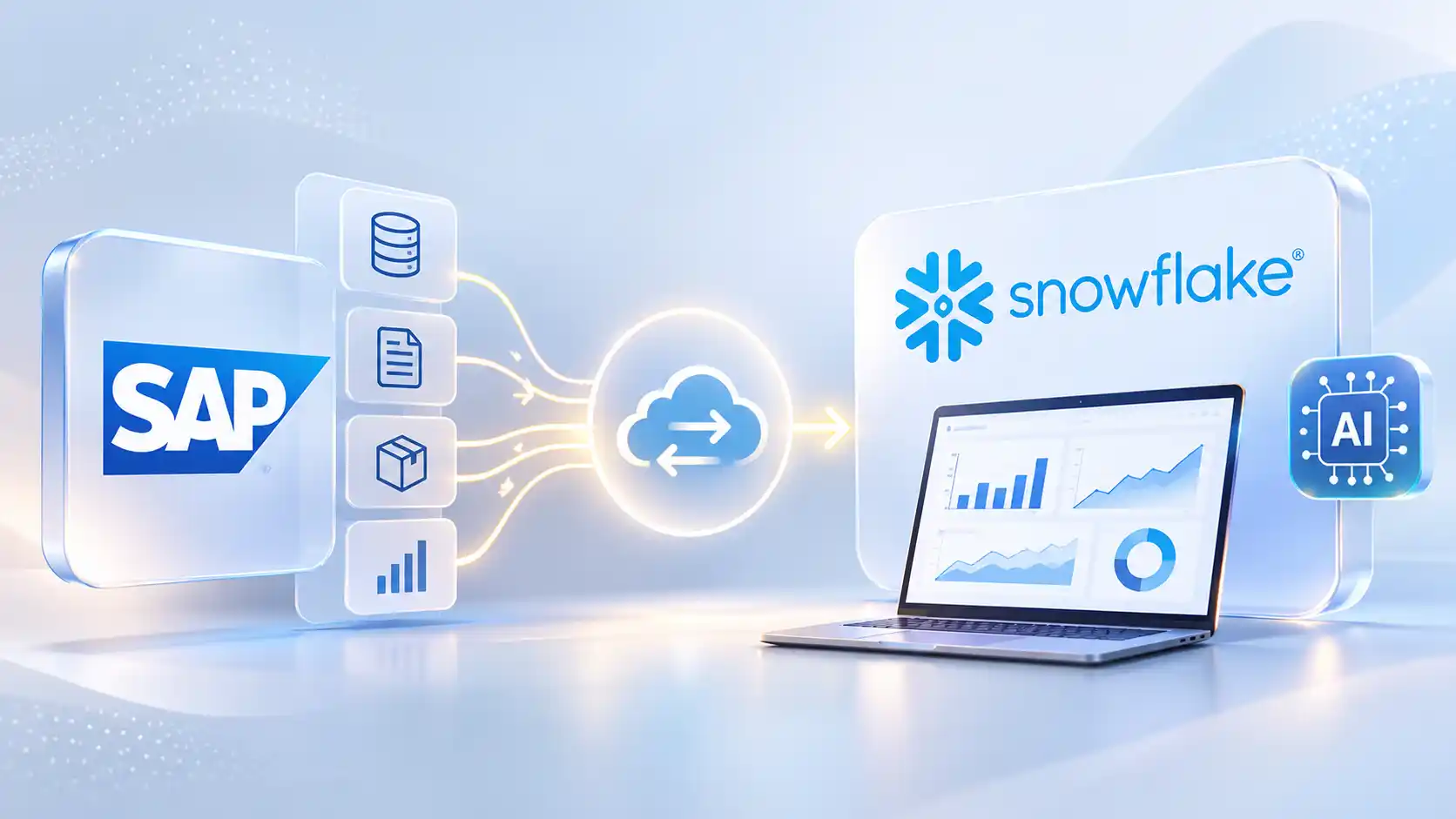
SAP and Snowflake announced a partnership in November 2025 that brings Snowflake into SAP Business Data Cloud. It has two parts. The SAP Snowflake solution extension is for organisations that do not yet own Snowflake and want an SAP-managed route. SAP Business Data Cloud Connect for Snowflake is for organisations that already have a Snowflake account and want to link it to SAP data products.
In both cases, data is shared rather than copied. Snowflake users query governed SAP data products with their business meaning intact, and results can be published back. Snowflake documented general availability of its SAP zero-copy connector on 4 May 2026, with availability on AWS commercial regions first and other clouds scheduled for later in 2026. Check the current regional availability before you commit to a design.
2. Pipeline-Based Extraction and Loading
This is the long-standing approach: extract from SAP, transform, and load into Snowflake on a schedule or in micro-batches. SAP Integration Suite handles the SAP-facing side well, with OData and SOAP APIs, IDoc handling, SFTP drops and strong error management. Choose this pattern when the source is an older SAP ECC system, when you need data that is not packaged as a data product, or when you must land files in cloud storage for Snowflake to ingest.
3. Event-Driven Feeds
Some questions cannot wait for a nightly load. A stock-out alert, a credit block, or a payment failure should reach downstream systems within seconds. Business events published from SAP can flow through an event broker and into Snowflake streaming ingestion. This is the most demanding pattern to operate, so reserve it for use cases where latency has a measurable business cost.
How to Choose
| Situation | Best-Fit Pattern |
|---|---|
| S/4HANA and SAP Business Data Cloud already in place, analytics and AI teams on Snowflake | Zero-copy sharing |
| SAP ECC or heavily customised tables, scheduled reporting | Pipeline-based extraction |
| Alerts, fraud checks, live inventory views | Event-driven feeds |
| Predictions or enriched data must return to SAP | Zero-copy publish-back, or an API-based write-back flow |
| Many non-SAP sources feeding the same model | Pipelines plus zero-copy for the SAP part |
Most large landscapes end up with a mix. The mistake is treating the choice as all-or-nothing.
Where SAP Integration Suite Still Matters
Zero-copy sharing is excellent for reading governed SAP data. It does not replace integration for the following jobs:
- Writing results back into SAP transactions, such as creating a sales order or updating a vendor record, with validation and error handling.
- Connecting SAP ECC or older on-premise systems that are not part of the new data architecture.
- Orchestrating flows that touch SAP, Snowflake and a third system, such as a payment bank or a CRM.
- Monitoring, retry and alerting for every interface, in one place.
Integration Suite gives you reusable connectors, message mapping, secure connectivity and a monitoring cockpit. That is why we treat Snowflake as one more system in the integration landscape, not as a separate island.
Design Principles That Prevent Rework
- Start with the business question. List the five reports or models that justify the project, then work backwards to the data each needs.
- Decide where semantics live. If business meaning is defined in SAP data products, do not rebuild it in Snowflake with different logic.
- Agree on one definition of key measures. Revenue, backlog and on-time delivery should be computed once.
- Plan for deletes and corrections. Posted documents get reversed. Your pipeline must handle changes, not only inserts.
- Secure by role. Map SAP authorisations to Snowflake roles so people do not see more in the warehouse than they can see in SAP.
- Control cost. Warehouse compute and data transfer are metered. Schedule heavy loads outside peak hours and avoid full reloads.
Common Mistakes
- Copying hundreds of raw tables “just in case”, then spending months decoding them.
- Building point-to-point scripts that nobody monitors.
- Ignoring time zones and currency conversion until the first board report disagrees with finance.
- Treating the project as an IT task and not involving the data owners in finance, sales and operations.
A Practical Rollout Path
- Run a two-week discovery to rank use cases and inventory the SAP sources.
- Pick one high-value use case and deliver it end to end in six to eight weeks.
- Put monitoring, alerting and data quality checks in place before adding more feeds.
- Expand by domain: finance first, then sales, then supply chain.
- Review cost and performance every quarter.
Frequently Asked Questions
Do I need SAP Business Data Cloud to connect SAP and Snowflake?
No. Pipelines built on SAP Integration Suite or other tools work without it. Business Data Cloud adds governed data products and zero-copy sharing on top.
Is zero-copy the same as real time?
Not exactly. Zero-copy means Snowflake reads shared data without a separate physical copy. How fresh that data is depends on how the SAP data product is refreshed.
Can Snowflake write data back to SAP?
Results can be published back as data products. Updating SAP transactions requires an API-based flow with proper validation, which is where Integration Suite fits.
Will this work with SAP ECC?
Yes, through pipeline-based extraction. Zero-copy sharing relies on the newer SAP data architecture.
How long does a first use case take?
A well-scoped first use case typically takes six to twelve weeks, depending on source complexity and security approvals.
Who should own the project?
A joint team: an integration architect, a data engineer and a business owner who can sign off the numbers.
Talk to Technolize
Technolize helps enterprises connect SAP with platforms such as Snowflake using SAP Integration Suite. If you are deciding between zero-copy sharing and pipelines, or your SAP and Snowflake numbers do not match, book a consultation and we will review your landscape and recommend a design.