Listing summary: A practical guide to connecting SAP with Databricks: Delta Sharing, SAP Business Data Cloud, pipelines, governance, and the mistakes that stall AI projects.
A data science team can build a brilliant model in a week and then wait six months for clean SAP data to feed it. That gap between the lab and the ledger is the most common reason enterprise AI projects stall. Connecting SAP and Databricks well removes it. This article shows how the two fit together and how to plan the integration so models reach production.
Quick Answer
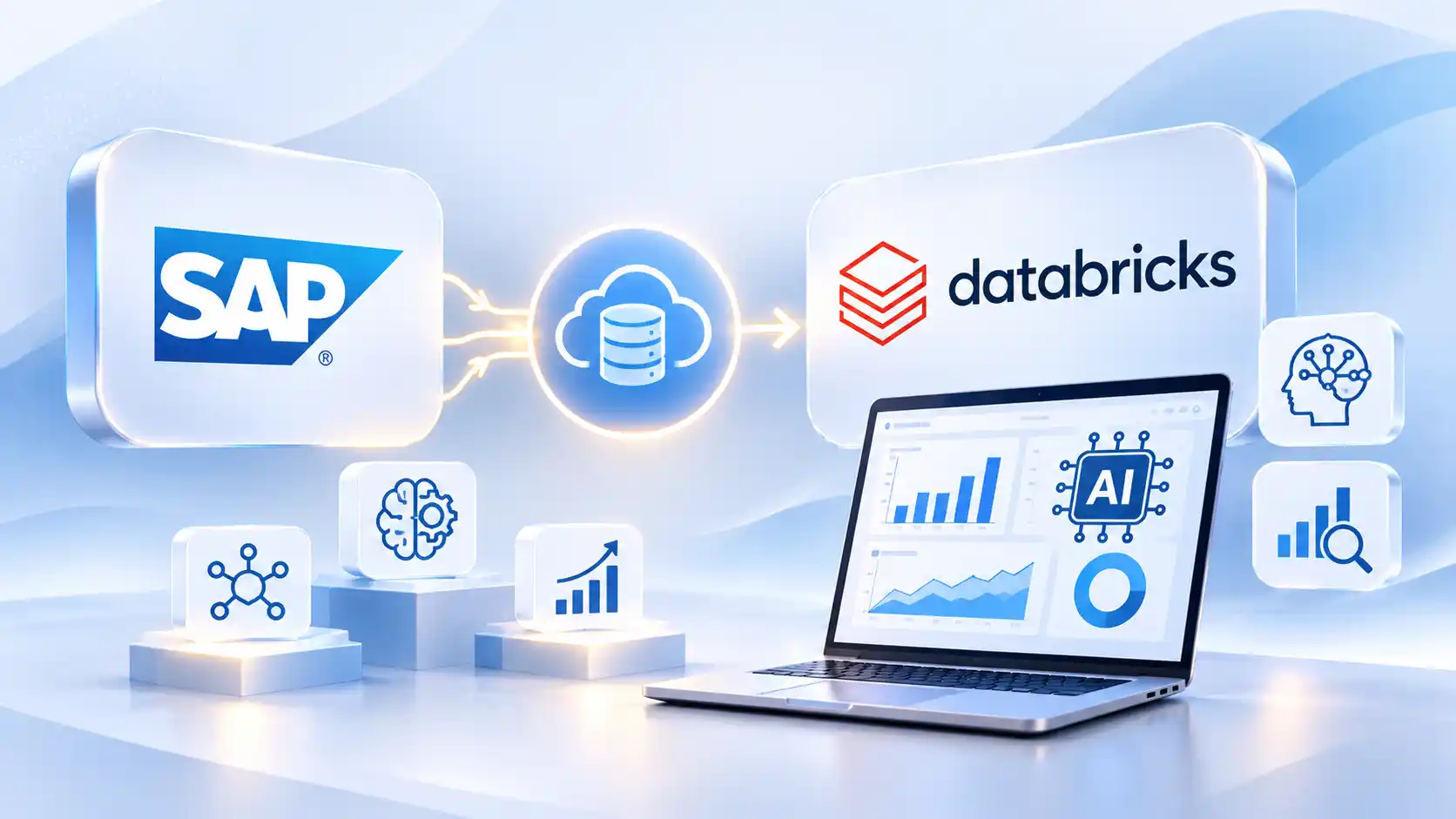
SAP and Databricks can be connected in two main ways. Through SAP Business Data Cloud, Databricks reads governed SAP data products using Delta Sharing, with no separate copy of the data. Through integration pipelines, data is extracted from SAP systems and landed in Databricks on a schedule or as events occur. Most organisations need both: sharing for governed analytics and pipelines for operational, legacy and write-back scenarios.
What Each Platform Does Best
SAP is the system of record. It enforces business rules, posts documents and keeps an audit trail. Databricks is a platform for engineering large data sets and training models in notebooks with Spark, SQL and machine learning tooling.
The two should not compete. SAP should remain the place where a purchase order is created. Databricks should be the place where you predict which purchase orders will arrive late.
Integration Options for SAP and Databricks
Option 1: Zero-Copy Sharing with SAP Business Data Cloud
SAP offers Databricks inside SAP Business Data Cloud, and Databricks provides a connector that shares data in both directions using Delta Sharing, an open sharing protocol. Once the connection is set up by administrators on both sides, shared SAP data products appear in Unity Catalog, and descriptive metadata such as column comments and keys travels with them. Analysts see tables that explain themselves.
Key Benefits of Zero-Copy Sharing
- No nightly copy jobs to build or repair.
- Business meaning arrives with the data.
- Predictions can be published back as a data product for SAP-side consumers.
When Should You Choose This Option?
It works best when the SAP landscape already includes Business Data Cloud and the data you need is available as a data product.
Option 2: Pipelines on SAP Integration Suite
Not every source is a data product. You may need purchase orders from an older ECC system, shop-floor messages, files from a logistics partner, or a lookup from a third-party API. Pipelines built on SAP Integration Suite extract these, transform them and deliver them to cloud storage or directly to Databricks.
Using Pipelines for Operational Integration and Write-Back
Pipelines are also how you close the loop. When a model predicts that a supplier will miss a delivery date, a flow can create a follow-up task or update a field in SAP, with approvals and error handling that a notebook alone cannot provide.
Option 3: Event-Driven Delivery
Fraud scoring, dynamic pricing and predictive maintenance need fresh data. Business events from SAP can be streamed to Databricks for scoring, with the result returned as another event. This pattern demands careful design of ordering, retries and idempotency, but it is the only one that supports decisions inside a transaction.
A Reference Flow for One Use Case: Late-Delivery Prediction
Consider a practical example of how SAP and Databricks can work together to predict late supplier deliveries.
- Purchase order and goods receipt data from SAP is shared with Databricks.
- Supplier performance history and shipping-carrier data are added from non-SAP sources through pipelines.
- A data scientist trains and tracks a model in Databricks.
- Scores are written back as a data product.
- An integration flow raises an alert in the procurement team’s workspace when the risk score crosses a threshold.
- The buyer acts inside SAP, and the outcome feeds the next training cycle.
How the Integration Works Together
Notice that three technologies cooperate and each does what it is good at.
Governance Questions to Settle Before You Build
Before implementing SAP and Databricks integration, enterprises should establish clear ownership, access controls, security policies and audit requirements.
| Question | Why It Matters |
|---|---|
| Who owns each data product? | Someone must answer when numbers are disputed. |
| Which SAP authorisations apply in Databricks? | Prevents data leakage through the analytics layer. |
| Is personal data involved? | Drives masking, retention and regional hosting decisions. |
| How are model results audited? | Finance and compliance teams will ask. |
| Where does private connectivity terminate? | Determines network design and approvals. |
Costs and Effort: What to Plan For
The main cost drivers are compute used by data engineering and model training, storage, network transfer, and the people who maintain the interfaces. Sharing reduces duplicate storage and pipeline maintenance, but it does not remove the need for governance work. Budget time for security reviews and data-owner workshops. They often take longer than the technical build.
Mistakes That Stall AI Projects
- Starting with the model instead of the decision it will improve.
- Training on extracts nobody can reproduce.
- Forgetting that SAP master data is often incomplete. A model is only as reliable as the supplier and material records beneath it.
- Deploying a score with no workflow, so nobody acts on it.
- Running proofs of concept with no plan for production support.
How to Get Started
- Pick one decision worth improving, such as late deliveries, invoice disputes or demand variance.
- Map the SAP and non-SAP data required and mark what exists as a data product.
- Choose sharing or pipelines per source.
- Build the interface with monitoring and alerting from day one.
- Measure business impact after 90 days, not model accuracy alone.
Frequently Asked Questions
Is SAP Databricks the Same as a Separate Databricks Account?
They are related but not identical. SAP Databricks is offered inside SAP Business Data Cloud, while organisations with an existing Databricks platform can connect it using the SAP connector. Confirm which fits your contract and architecture.
What Is Delta Sharing?
An open protocol for sharing live data between platforms without copying it into the recipient’s storage.
Can We Use Databricks with SAP ECC?
Yes, through extraction pipelines. Sharing through Business Data Cloud depends on the newer SAP data architecture.
Do We Still Need Integration Middleware?
Yes, for non-SAP sources, write-back, orchestration and monitoring. Sharing covers the read path for governed SAP data.
Can Models Write Results Back into SAP?
Through published data products for analytics, or through API-based flows when a transaction must change.
How Do We Keep Data Secure?
Use private connectivity where required, role-based access that mirrors SAP authorisations, and audit logging on both platforms.
Talk to Technolize
Technolize designs and builds SAP integrations that connect data platforms like Databricks to the systems that run your business. Book a consultation and we will help you choose the right pattern for your first AI use case.