Listing summary: How enterprises integrate Coupa with SAP S/4HANA and ECC: suppliers, purchase orders, invoices and payments, plus design tips that avoid reconciliation headaches.
Coupa gives procurement teams a modern place to request, approve and track spending. SAP gives finance the ledger, the budget and the payment run. The value of Coupa shrinks quickly if requisitions, purchase orders and invoices do not move cleanly between the two. This guide explains what to integrate, how, and where projects usually go wrong.
Quick Answer
Integrate Coupa and SAP through SAP Integration Suite, using the Coupa adapter and prepackaged content as a starting point. The essential flows are suppliers and master data from SAP to Coupa, purchase orders and approved requisitions in both directions, invoices and goods receipts from Coupa to SAP, and payment status back to Coupa. Design for exceptions as carefully as for the happy path.
Where Each System Sits in the Procure-to-Pay Process
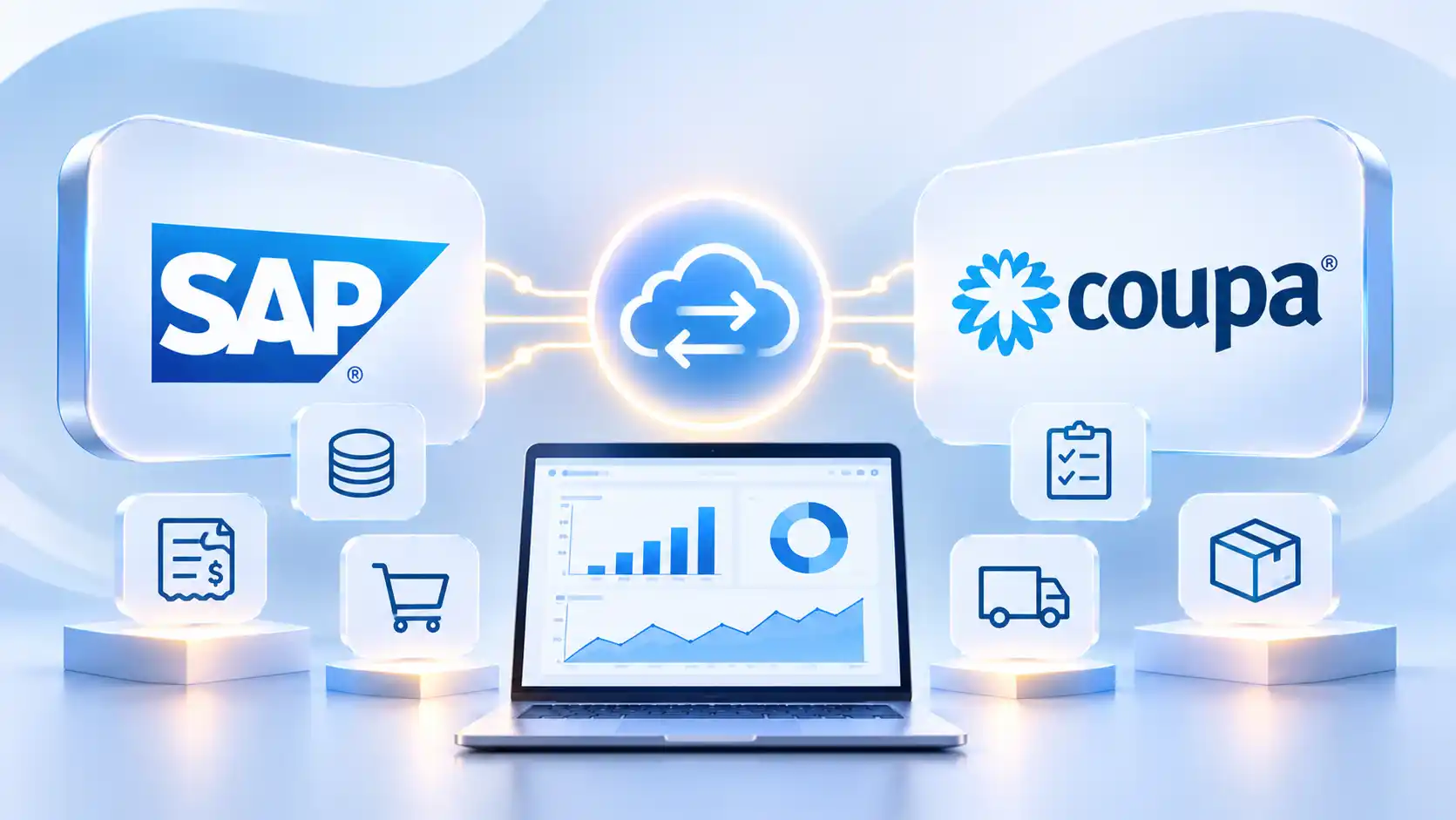
Coupa typically owns the front end: catalogues, requisitions, approvals, supplier onboarding and invoice capture. SAP owns the back end: budgets, commitments, goods movements, accounts payable and payment. The integration is the handshake between them. If the handshake is slow or lossy, buyers lose trust in the new tool and go back to email.
The Core Integration Flows
The following table highlights the essential data flows between Coupa and SAP, their direction and their business purpose.
| Flow | From | To | Why It Matters |
|---|---|---|---|
| Supplier master data | SAP | Coupa | One supplier record, no duplicates |
| Chart of accounts, cost centres, internal orders | SAP | Coupa | Valid coding on every requisition |
| Purchase orders | Coupa | SAP | Commitments visible to finance |
| Goods receipts and service entries | SAP or Coupa | The other | Enables three-way match |
| Supplier invoices | Coupa | SAP | Posting without re-keying |
| Payment status | SAP | Coupa | Suppliers see what was paid |
| Budget checks | SAP | Coupa | Stops overspend before approval |
What SAP Offers Out of the Box
SAP Integration Suite includes a Coupa adapter that runs on the Cloud Integration capability, and SAP publishes prepackaged content for S/4HANA with Coupa. Published content has started with core scenarios such as replicating suppliers from S/4HANA to Coupa. Partners also offer prebuilt packages that cover wider procure-to-pay scenarios. These accelerators reduce build time, but check what each one covers against your own processes before you commit.
Design Decisions That Shape the Project
Who Creates the Supplier?
If suppliers can be created in both systems, duplicates are certain. Pick one origin and enforce it.
How Is Coding Validated?
Coupa should only offer account assignments that SAP will accept. Sync the reference data often enough to keep both sides aligned.
What Is the Matching Model?
Two-way, three-way or four-way match changes which documents must travel to which system.
How Are Changes Handled?
Purchase order changes, cancellations and partial deliveries produce the hardest bugs. Define the rules for each case.
Where Do Tax and Currency Rules Live?
Tax codes, withholding rules and exchange-rate dates must be consistent, or invoices will park in SAP for manual correction.
What Is the Error Path?
Every failed message needs an owner, a visible queue and a documented fix.
Handling ECC and S/4HANA Together
Many companies run both during a transition. Design the integration so the Coupa side does not need to change when you move from ECC to S/4HANA. A well-built integration layer hides the difference by mapping Coupa structures to either backend. That decision alone can save months during the migration.
Data Quality Comes First
Integration exposes dirty data. Before go-live, clean up duplicate suppliers, inactive cost centres, and incomplete payment terms. A short data cleansing sprint costs far less than weeks of failed messages.
Testing Scenarios Worth the Effort
Thorough testing helps ensure that procurement and finance processes continue working correctly across different business scenarios.
- A requisition with split coding across two cost centres.
- A purchase order change after partial receipt.
- An invoice that does not match, followed by a credit note.
- A supplier bank detail change with a required approval.
- A foreign-currency invoice posted across a month-end.
- A message failing mid-flow, then replay without duplicates.
- High-volume invoice day.
Measuring Success
Track results that procurement and finance care about:
- Share of invoices posted without manual touch.
- Time from invoice receipt to posting.
- Number of interface errors per week and time to resolve.
- Spend under management and purchase orders raised before invoice.
These measures also help you justify the integration investment to the business.
Common Mistakes
- Launching with catalogue and approval flows but no payment status feedback, so suppliers keep calling to ask when they will be paid.
- Using one generic error mailbox. Failures pile up unnoticed.
- Skipping performance testing before quarter-end.
- Customising prebuilt content without documenting the changes.
Frequently Asked Questions
Does Coupa Integrate Natively with SAP?
Coupa has SAP-certified integrations and SAP Integration Suite offers a Coupa adapter and prepackaged content. Most organisations still configure and extend the integration for their own processes.
Can We Integrate Coupa with Both ECC and S/4HANA?
Yes. An integration layer can serve both and ease the later migration.
Should Invoices Be Captured in Coupa or SAP?
That depends on your operating model. Many companies capture and approve in Coupa and post in SAP.
How Long Does a Coupa and SAP Integration Take?
A focused first release covering suppliers, purchase orders and invoices commonly takes two to four months, followed by later phases.
What Causes Most Integration Failures?
Inconsistent master data, such as mismatched cost centres or supplier IDs, causes more failures than technical faults.
Who Supports It After Go-Live?
A team that can see both systems, with clear service levels and monitoring in place.
Talk to Technolize
Technolize specialises in SAP integration with cloud platforms across procurement, finance and HR. If you are planning a Coupa rollout or struggling with an existing one, book a consultation and we will assess your interfaces and propose an improvement plan.