Introduction
Modern enterprises rarely operate with a single business application. A typical organization may use SAP S/4HANA for core business processes, SuccessFactors for human resources, Salesforce for customer management, Ariba for procurement, banking platforms for payments, and multiple third-party applications for specialized operations.
Connecting all these systems efficiently is a major challenge. Traditional point-to-point integrations can become difficult to maintain as the number of applications increases. This is where SAP Integration Suite provides a modern approach to enterprise system integration.
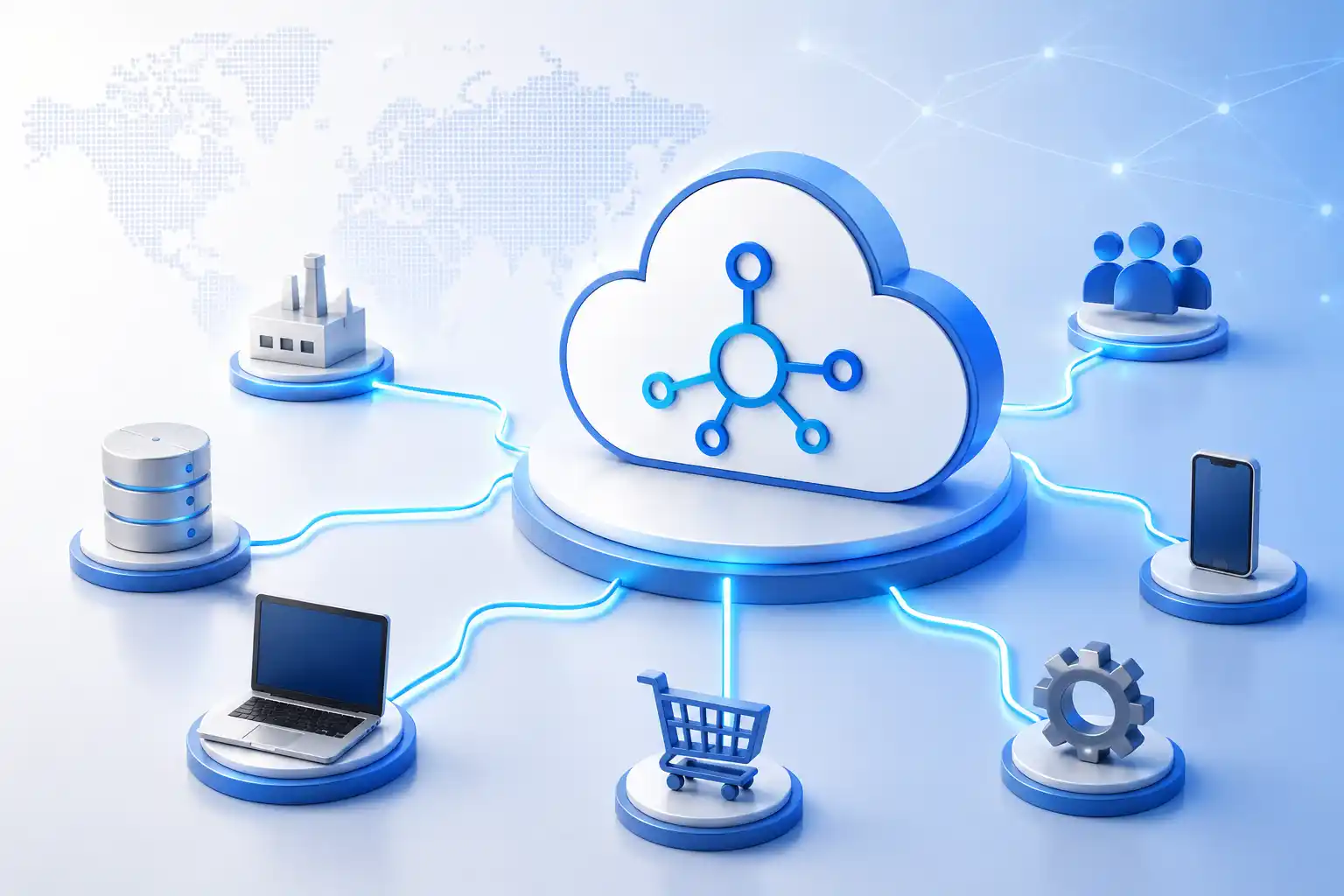
SAP Integration Suite is a cloud-based integration platform on SAP Business Technology Platform (SAP BTP) that provides capabilities for application integration, APIs, events, data integration, and hybrid connectivity. SAP positions it as a comprehensive integration platform for connecting applications, data, processes, and people across enterprise environments.
For organizations moving away from traditional middleware such as SAP PI/PO, SAP Integration Suite can also provide the foundation for modernizing their integration architecture.
What Is SAP Integration Suite?
- SAP S/4HANA
- SAP ECC
- SAP SuccessFactors
- SAP Ariba
- SAP Concur
- Salesforce
- Microsoft applications
- Databases
- Banking systems
- Partner applications
- REST and SOAP APIs
1. Connects SAP and Non-SAP Applications
One of the biggest challenges in enterprise integration is connecting applications built by different vendors.
An organization may have SAP applications at its core while relying on Salesforce, Microsoft, Oracle, banking platforms, logistics applications, and custom software around them.
SAP Integration Suite provides connectivity capabilities that allow these systems to communicate using different protocols and integration patterns.
This reduces the need to build completely separate integration solutions for every application.
For example, an organization could connect an SAP S/4HANA order process with Salesforce and then send transaction information to a third-party logistics platform through a centralized integration architecture.
2. Simplifies Cloud and On-Premise Integration
Many enterprises are operating hybrid IT environments.
They may have moved some applications to the cloud while keeping critical ERP systems and databases on-premise.
SAP Integration Suite supports these hybrid scenarios, allowing cloud applications and on-premise systems to communicate securely. SAP also provides Edge Integration Cell for organizations that need to run integration workloads in customer-controlled environments.
This means businesses do not have to move every system to the cloud before modernizing their integration architecture.
3. Provides SAP Cloud Integration
SAP Cloud Integration, commonly known as SAP CPI, is one of the central capabilities of SAP Integration Suite.
It allows developers to create integration flows, commonly called iFlows, that define how information moves between systems.
- Message routing
- Data transformation
- Message mapping
- Adapters
- Authentication
- Exception handling
- Process logic
4. Reduces Point-to-Point Integration Complexity
Traditional point-to-point integration can become difficult to manage as an organization adds more applications.
For example, if ten applications all need to communicate with each other, the number of possible connections can grow rapidly.
A centralized integration platform provides a more structured architecture.
Instead of allowing every application to create its own independent connections, integration logic can be managed through a controlled enterprise integration layer.
This makes the architecture easier to monitor, maintain, secure, and expand.
5. Simplifies API Management
Modern enterprises increasingly rely on APIs to expose services and data.
SAP Integration Suite includes API Management, which provides capabilities for creating, publishing, securing, monitoring, and governing APIs.
Organizations can use APIs to connect internal applications, partners, customers, and digital services while maintaining control over how enterprise services are accessed.
For example, an enterprise could expose selected SAP business functionality through an API while controlling authentication, access, and usage.
This supports an API-led integration strategy and can accelerate digital application development.
6. Supports Event-Driven Integration
Not every business integration needs to work through traditional request-and-response communication.
Modern enterprises increasingly use events to trigger business processes.
For example:
Order Created → Event Generated → Inventory Updated → Warehouse Notified
SAP Integration Suite supports event-driven scenarios through capabilities such as Event Mesh and Advanced Event Mesh. SAP describes event-driven architecture as an important approach for building responsive and loosely coupled integration environments.
This allows applications to respond to business events without creating tightly coupled dependencies between systems.
7. Supports Hybrid and Real-Time Integration
Enterprise applications often need information in real time.
For example, when a customer places an order, multiple systems may need to receive information immediately.
SAP Integration Suite can support real-time integration scenarios through APIs, events, and cloud integration flows.
This helps businesses reduce manual data transfer and improve the speed at which information moves across the organization.
8. Provides Centralized Integration Management
Managing integrations across multiple platforms can become difficult when every application has its own integration technology.
SAP Integration Suite brings multiple integration capabilities together within SAP BTP.
- Integration development
- APIs
- Security
- Monitoring
- Connectivity
- Integration standards
9. Improves Scalability
As businesses grow, their integration requirements grow with them.
New applications, customers, suppliers, business units, and digital services can create additional integration workloads.
A cloud-based integration platform provides greater flexibility for scaling integration requirements compared with traditional infrastructure-dependent middleware.
This makes SAP Integration Suite suitable for organizations that need to expand their integration landscape without continually building additional middleware infrastructure.
10. Improves Security
Enterprise integration involves the movement of sensitive information between multiple systems.
SAP Integration Suite provides security capabilities for authentication, authorization, certificates, API protection, and secure communication.
Organizations can establish consistent security policies across integration scenarios while controlling access to enterprise applications and APIs.
Security should still be designed according to each organization’s specific architecture, regulatory requirements, and risk profile.
11. Helps Modernize SAP PI/PO Environments
For organizations currently using SAP PI/PO, SAP Integration Suite Migration provides an opportunity to modernize legacy integration architecture.
SAP provides migration guidance and tools to help organizations assess existing PI/PO integration content and transition supported scenarios to Integration Suite.
However, migration should not simply recreate every legacy interface.
- Migrated
- Modernized
- Redesigned
- Replaced
- Retired
12. Supports Future Digital Transformation
Enterprise integration is no longer only about connecting ERP systems.
Businesses increasingly need to connect cloud applications, APIs, mobile applications, IoT devices, partner ecosystems, automation platforms, and digital services.
SAP Integration Suite provides a foundation for these broader integration requirements.
By combining cloud integration, APIs, events, and hybrid connectivity, organizations can create an integration architecture that is better prepared for future digital initiatives.
SAP Integration Suite vs Traditional Enterprise Integration
The difference can be summarized simply:
Traditional integration: Individual systems are connected through numerous interfaces that can become increasingly difficult to manage.
Modern integration: A structured integration platform provides reusable capabilities for applications, APIs, events, and hybrid connectivity.
This does not mean every integration must use the same pattern. Instead, organizations can select the appropriate integration approach based on business and technical requirements.
Best Practices for Implementing SAP Integration Suite
- Start with a complete integration landscape assessment.
- Define clear integration governance.
- Avoid unnecessary point-to-point connections.
- Reuse integration components where possible.
- Apply consistent security standards.
- Monitor integrations continuously.
- Document interfaces and dependencies.
- Use APIs where they provide clear business value.
- Consider event-driven architecture for appropriate real-time scenarios.
- Modernize legacy PI/PO interfaces instead of blindly replicating them.
Conclusion
SAP Integration Suite simplifies enterprise system integration by providing a centralized, cloud-based platform for connecting SAP and non-SAP applications, APIs, events, data, and hybrid environments.
Its capabilities for SAP Cloud Integration, API Management, event-driven integration, and hybrid connectivity allow organizations to move beyond traditional point-to-point integration and build more flexible enterprise architectures.
For organizations still operating SAP PI/PO, the transition to SAP Integration Suite also presents an opportunity to eliminate unnecessary interfaces, modernize legacy integrations, and create a scalable foundation for future digital transformation.
Ultimately, the value of SAP Integration Suite is not simply in connecting more systems. It is in helping enterprises build an integration architecture that is simpler to manage, easier to scale, more secure, and better prepared for changing business requirements.