Listing summary: Many companies run Workday for people data and SAP for finance. Here is how to integrate them reliably, which data flows matter, and what to test.
It is common to find Workday managing the workforce while SAP runs finance, procurement and operations. That split works only if the two systems agree on who works where, who reports to whom, and which cost centre pays for them. When they do not, payroll postings fail, approvals go to the wrong manager, and month-end becomes a hunt for mismatches. This guide covers how to integrate SAP and Workday properly.
Quick Answer
Integrate SAP and Workday through a central integration platform such as SAP Integration Suite, not through point-to-point scripts. SAP provides a Workday adapter for Cloud Integration and prepackaged content for S/4HANA and Workday scenarios. The core flows are organisational data and cost centres from SAP to Workday, worker data from Workday to SAP, and payroll or financial postings back into SAP Finance.
Why the Two Systems Must Talk
Three business processes depend on this connection.
1. Cost Allocation
Workday needs the same cost centres, companies and business units that finance uses. If a cost centre is closed in SAP but still open in Workday, new hires get assigned to something that no longer exists.
2. Payroll and Accounting
Payroll results must become journal entries. Finance expects them to arrive complete, balanced and mapped to the right accounts.
3. Access and Identity
A leaver in Workday should lose access to SAP the same day. Delays here are an audit finding waiting to happen.
The Main Data Flows
Understanding the direction, frequency and dependencies of each data flow is essential for building a reliable SAP and Workday integration.
| Data | Typical Direction | Frequency | Watch Out For |
|---|---|---|---|
| Cost centres and organisational units | SAP to Workday | Daily or on change | Closed and merged units |
| Worker master data | Workday to SAP | Daily or on event | Rehires, transfers, name changes |
| Supplier or contractor records | Workday to SAP or the reverse | On change | Duplicate business partners |
| Payroll journal entries | Workday to SAP Finance | Per pay run | Account mapping, rounding, reversals |
| Exchange rates | SAP to Workday | Daily | Rate type and date alignment |
| Position and headcount plans | Workday to SAP planning tools | Monthly | Version control |
Using SAP Integration Suite for the Connection
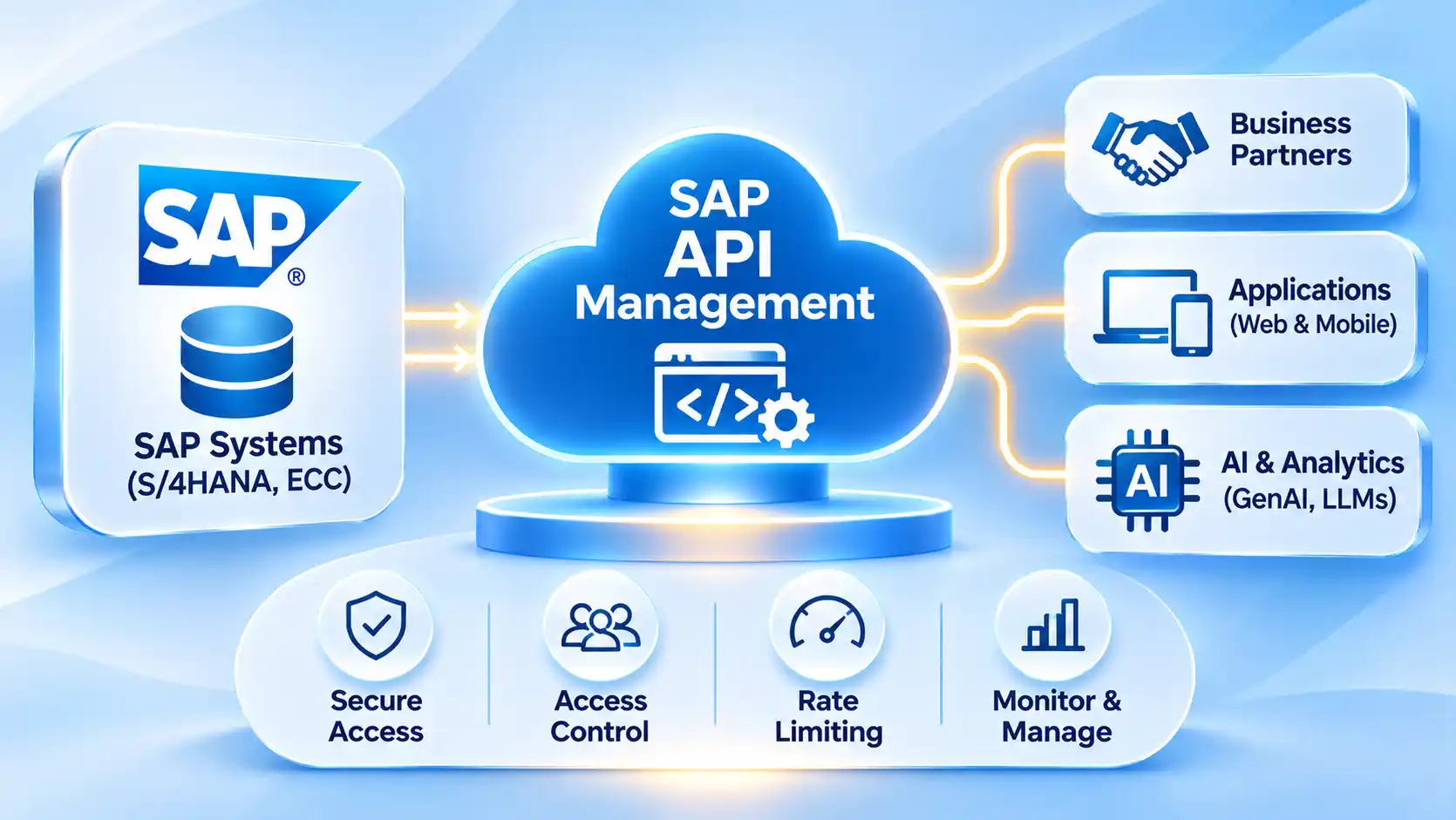
SAP Integration Suite includes a Workday adapter that lets integration developers read and write Workday data without hand-coding every web service call. SAP also publishes prepackaged integration content for S/4HANA with Workday, which covers scenarios such as business partner handling, cost centres and exchange rates. Prepackaged content saves time, but it is a starting point. Almost every company adds its own mapping rules, filters and error paths.
Key Capabilities Required for HR and Finance Integration
Beyond connectivity, the platform gives you what an HR and finance integration needs most:
Secure Credential Handling
Secure credential handling for technical users on both sides.
Message Mapping
Translate between Workday structures and SAP structures.
Error Handling and Retry
Ensure one bad record does not block a whole batch.
Monitoring and Alerts
Tell the support team which employee record failed and why.
Audit Trails
Maintain records showing what was sent and when.
Design Decisions That Matter
Choose the System of Record for Each Field
Name and manager belong to Workday. Cost centre ownership belongs to SAP. Write this down in a one-page data ownership matrix before building anything.
Decide Between Batch and Event-Driven Updates
Daily batches are simple and enough for many fields. Hire, termination and transfer events deserve faster handling because access and payments depend on them.
Handle Effective Dating
Workday records are date-effective. A transfer next month should not change this month’s posting. Your mapping must respect effective dates.
Protect Personal Data
Send only the fields the receiving system needs. Salary, health and diversity data rarely belong in finance interfaces.
Design for Reversals
Payroll corrections and retroactive changes will happen. Make sure postings can be reversed cleanly.
SAP Workday Integration Testing Checklist
Before going live, test the integration against real business scenarios and operational failure conditions.
- New hire, rehire and transfer scenarios across company codes.
- Termination with immediate access removal.
- Cost centre closure while workers are still assigned.
- Payroll posting with multiple currencies and a retroactive change.
- Duplicate worker or supplier detection.
- Interface failure at each step, followed by a restart.
- Volume test using a full pay-run size, not a sample.
Mistakes We See Often
- Treating the integration as a one-off data load instead of an ongoing service.
- Hard-coding account mappings inside the flow, so every chart-of-accounts change needs a developer.
- No alerting, so failures are discovered by employees instead of support teams.
- Skipping the data ownership discussion, which leads to two systems overwriting each other.
SAP Workday Integration Rollout Approach
- Document the processes and data ownership.
- Build organisational data and cost centres first. Everything else depends on them.
- Add worker data, then payroll postings.
- Run two parallel payroll cycles and reconcile before switching over.
- Hand over to a support team with runbooks and alerts configured.
Frequently Asked Questions
Does SAP Have a Ready-Made Workday Connector?
Yes. SAP Integration Suite offers a Workday adapter and prepackaged content for common S/4HANA scenarios. You will still configure and extend it for your organisation.
Can We Integrate Workday with SAP ECC?
Yes. The pattern is similar, though ECC typically uses IDocs or RFC-based interfaces on the SAP side.
How Often Should Worker Data Sync?
Daily is enough for many fields. Hires, terminations and transfers usually need event-based or near-real-time handling.
Is SAP SuccessFactors Required If We Use SAP Finance?
No. Many organisations pair SAP finance with Workday. The integration approach is the point of this guide.
How Long Does an Integration Like This Take?
A focused scope covering organisation data, workers and payroll journals commonly takes two to four months, depending on complexity and testing.
Who Should Own It After Go-Live?
A named integration support team with business contacts in HR and finance.
Talk to Technolize
Technolize builds and supports SAP integrations with HR platforms including Workday and SuccessFactors. Book a consultation and we will map your data flows, identify risks and propose a build plan.